Adding a product with a link
Paste the link from a webshop. Softmint gets the photo, name and price and puts the product in the selection.
- Scroll to the room In the workspace, to the room where the product belongs.
- Paste the link from the webshop Copy the link in your browser and paste it with Ctrl or Cmd and V, outside a text field. The product goes into the selection of the room you see. If the room is wrong, choose Other room in the message.
- Check the name and price Click the selection and choose Details. There you change the name, brand and price.
Living room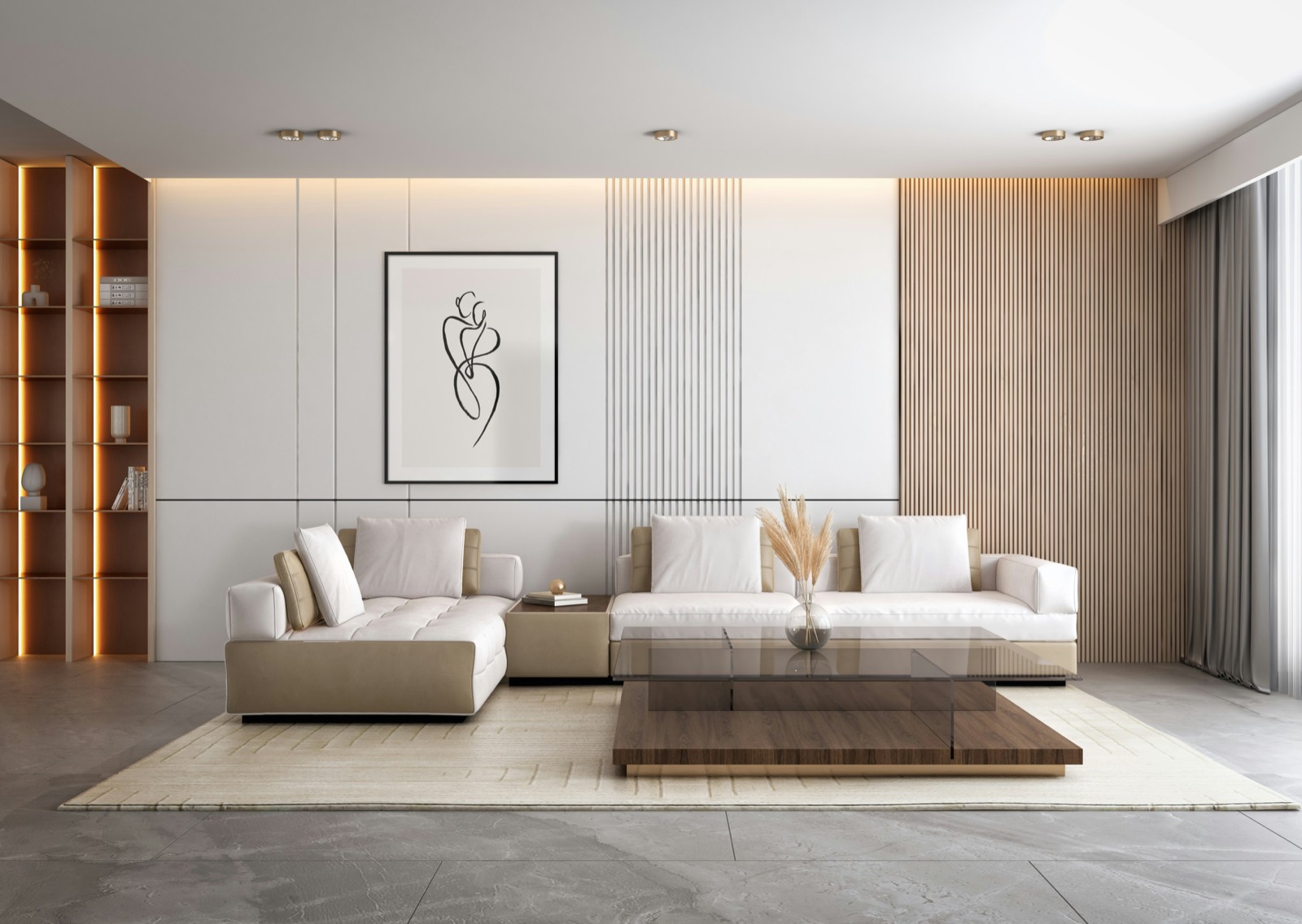
The selection
Sofa 3-seater, bouclé€2,495
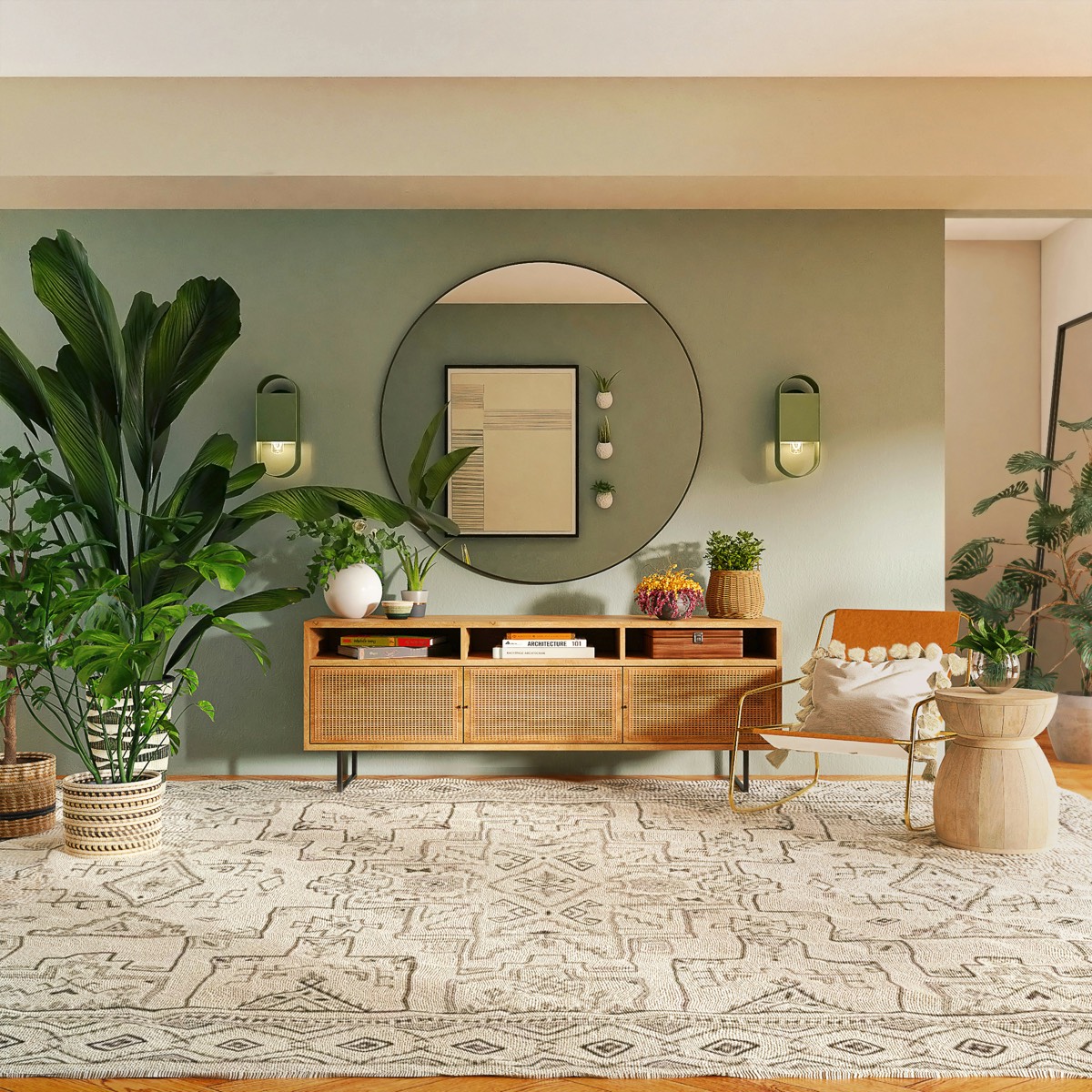 Coffee table, travertine[Brand]€1,150
Armchair, oak frame[Brand]€895
Wool rug, 200 × 300[Brand]€1,290
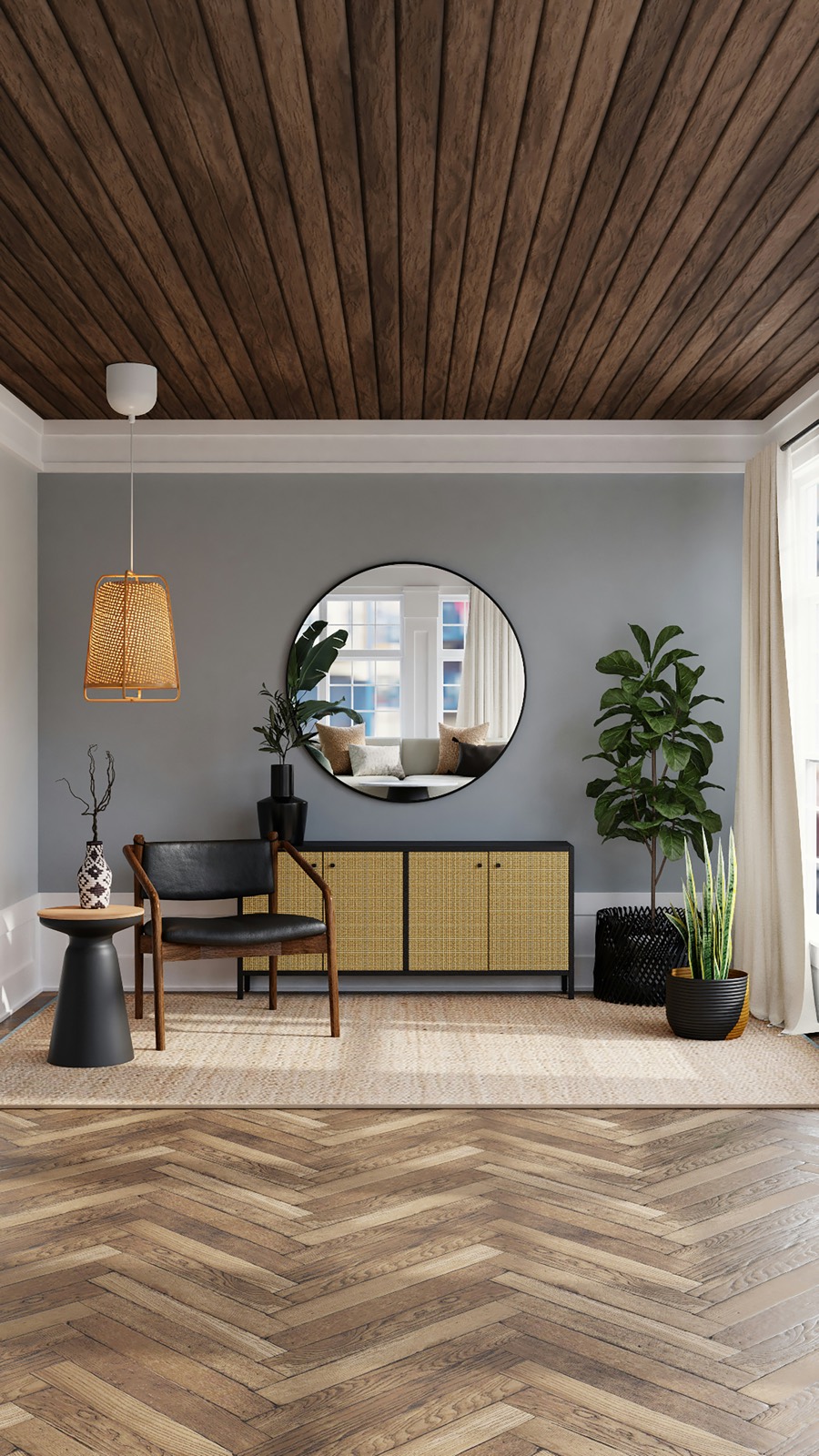 Linen pendant lamp[Brand]€420
Total for living room€6,250
Within the budget of €7,500.Softmint could not get the details? Then you fill in the name and price yourself. The link is kept for your client.
Need more help? Ask your question. We reply within one working day.